
Create an account
UzOffice runs in the browser, so there is nothing to install. You only need an account. There are three ways to create one:
-
Open the sign-up page
Click Sign up in the top-right corner of the site.
-
Enter your details — or use Google or Telegram
Fill in your first name, last name, email address and a password. If you would rather not create another password, click Google or Telegram instead: the account is created from that profile and you are signed in straight away.
-
Confirm your email
If you signed up with an email and password, confirm the address before your first sign-in — see the next section.
Password rules
The password must be at least 6 characters long and contain all four of the following:
- Digit
0–9- Uppercase letter
A–Z- Lowercase letter
a–z- Symbol
- any character that is not a letter or digit, e.g.
! @ # $ %
Confirm your email
Right after you register we send an email with a confirmation link. Open it and click the link — the address is confirmed and you can sign in.
No email?
Wait a few minutes and check the Spam and Promotions folders. Signing in with an email and password is not possible until the address is confirmed. Accounts created with Google or Telegram don't need this step.
Sign in
Open Sign in and enter your email and password, or use the Google or Telegram button if you signed up that way. Tick Remember Me on your own computer so you stay signed in. If you forget your password, use the password-reset link on the sign-in page — we will email you a link to set a new one.
After several wrong password attempts sign-in is temporarily locked to protect the account from password guessing. Wait, then try again — or reset the password.
Your 7-day free trial
Every new account automatically gets the Free plan — a 7-day free trial. No bank card is needed. With the default settings the trial includes:
- Storage
- 100 MB
- Documents
- 5 text documents
- Spreadsheets
- 5 spreadsheets
- Office add-ins
- 1 key for 1 computer (Word, Excel and PowerPoint share one licence)
- Autosave
- Included
- PDF download
- Depends on the plan — see the plan card
Plan limits can change. The current figures are always shown on the plan cards and under Subscriptions in your account. When the trial ends, your files are kept, but creating new ones requires a subscription — see Plans and subscriptions.
The dashboard
After signing in you land on the dashboard. Everything you need is in the menu on the left:
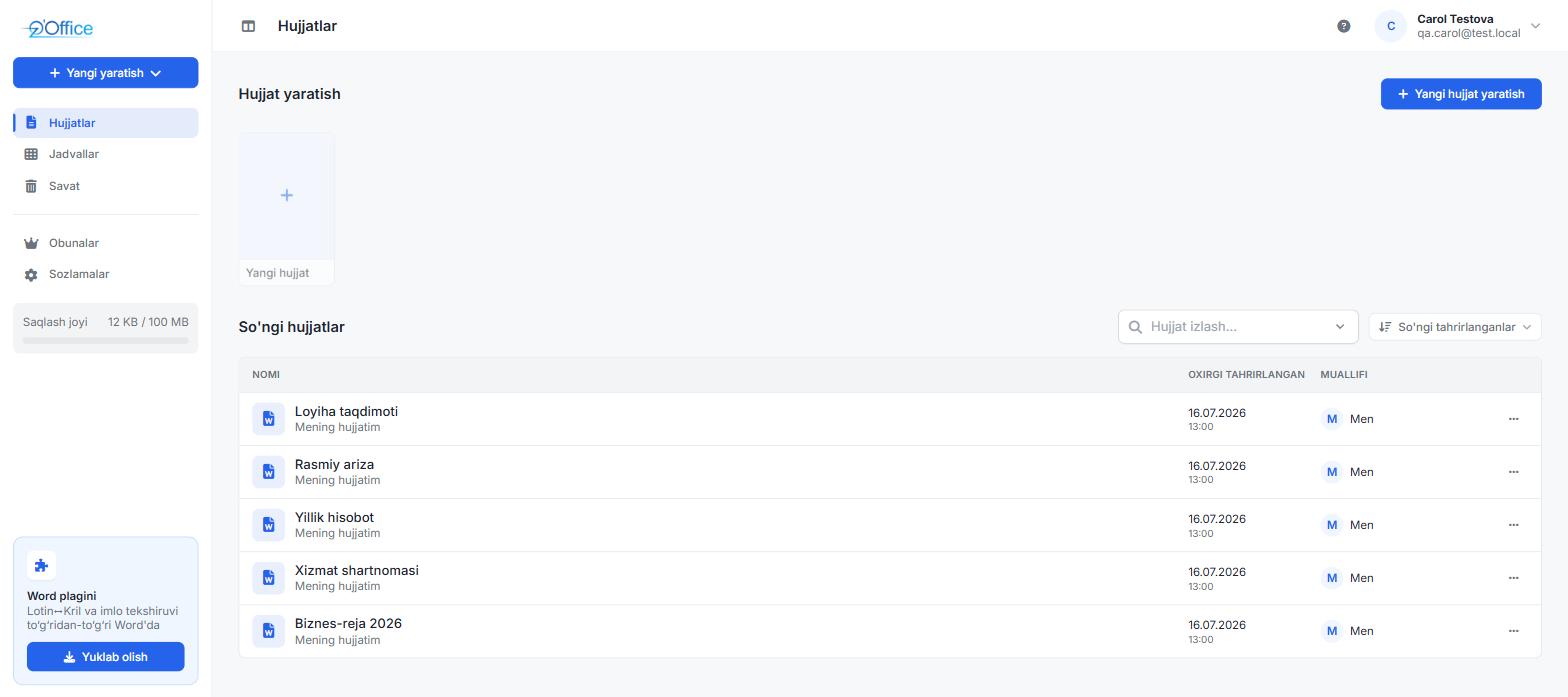
| Menu item | What it is for |
|---|---|
| Create new | Quickly create a new document or a new spreadsheet. |
| Documents | Your text documents and documents shared with you. |
| Worksheets | Your spreadsheets and spreadsheets shared with you. |
| Trash | Deleted files — restore them or delete them permanently. |
| Subscriptions | Current plan, usage and payment history; buying a plan. |
| API Keys | Keys that connect the Office add-ins (Word, Excel, PowerPoint) to your account. |
| Activity log | Sign-ins and important actions on your account. |
| Settings | Profile, password and language. |
| Storage | How much of your storage is used. |
| Office add-ins | Download the add-ins for Word, Excel and PowerPoint. |
The question-mark icon at the top opens a short in-app guide; your profile menu next to it lets you change the language or sign out.
Create your first document
-
Choose what to create
Click Create new and pick Blank document or New spreadsheet. You can also start from a template on the Documents page (CV) or the Worksheets page (To-do list).
-
Give it a name
The file opens in the editor. Click the name in the top bar and type a new one.
-
Start typing
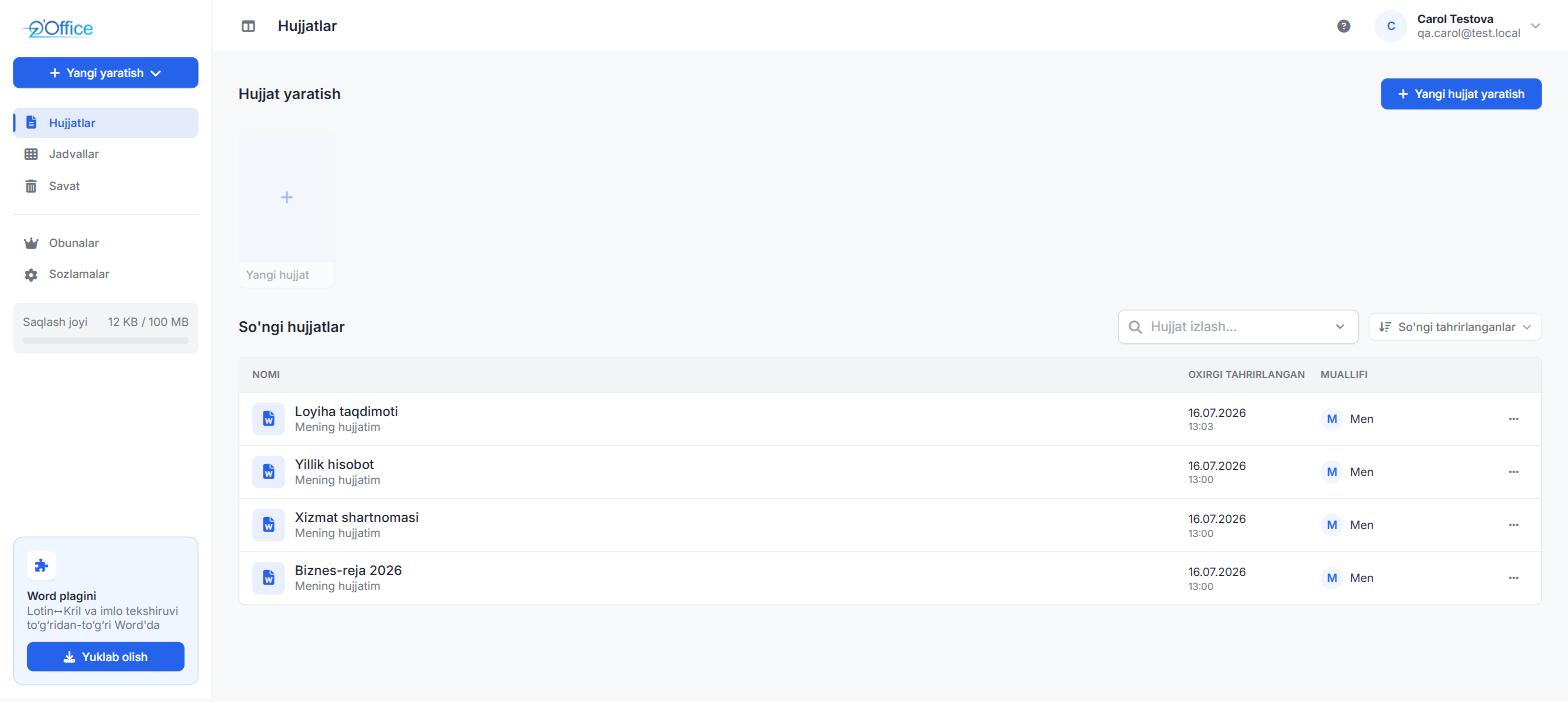
Changes are saved automatically a few seconds after you stop typing; the status next to the file name shows when it was last saved. You can also press Ctrl+S at any time.
Frequently asked questions
Is UzOffice free?
Signing up is free and includes a 7-day trial with no bank card. After the trial, creating new files requires a paid subscription; the files you already have are kept and can still be opened and downloaded.
Do I need to install anything?
No. The editors run in the browser on a computer, tablet or phone. The only optional program is the add-in for Microsoft Word, Excel and PowerPoint.
Where are my files stored?
On UzOffice servers, tied to your account. Only you and the people you share a file with can open it.
I didn't get the confirmation email. What now?
Check Spam and Promotions. If it's not there, write to us on Telegram @uzoffice_supportbot or at info@uzoffice.uz.